
Maliang Writer's knowledge graph maps characters, places, items and events from your chapters. Filter, search, and jump to sources. A member feature.
Why Character Relationships Get Harder to Remember Past a Few Dozen Chapters
Once a long novel reaches dozens of chapters and more than a hundred characters, authors often run into these problems:
- It takes a long time to dig up which chapter a supporting character last appeared in and how they relate to the protagonist
- Characters in two subplots actually overlap, and you didn't notice while writing
- You can't remember all the people a place or item has been tied to over time
Memory and notes both leave gaps. The knowledge graph draws the characters, places, items, events and relationships that appear in your written chapters, so you can look things up and see the whole picture.
How it divides work with story archives: story archives record each character's “current” state chapter by chapter, such as where they are, whether they're injured and what they know; the knowledge graph shows who is connected to whom across the whole book and in which chapters they've appeared.
Look Up Characters and See Sources in the Graph
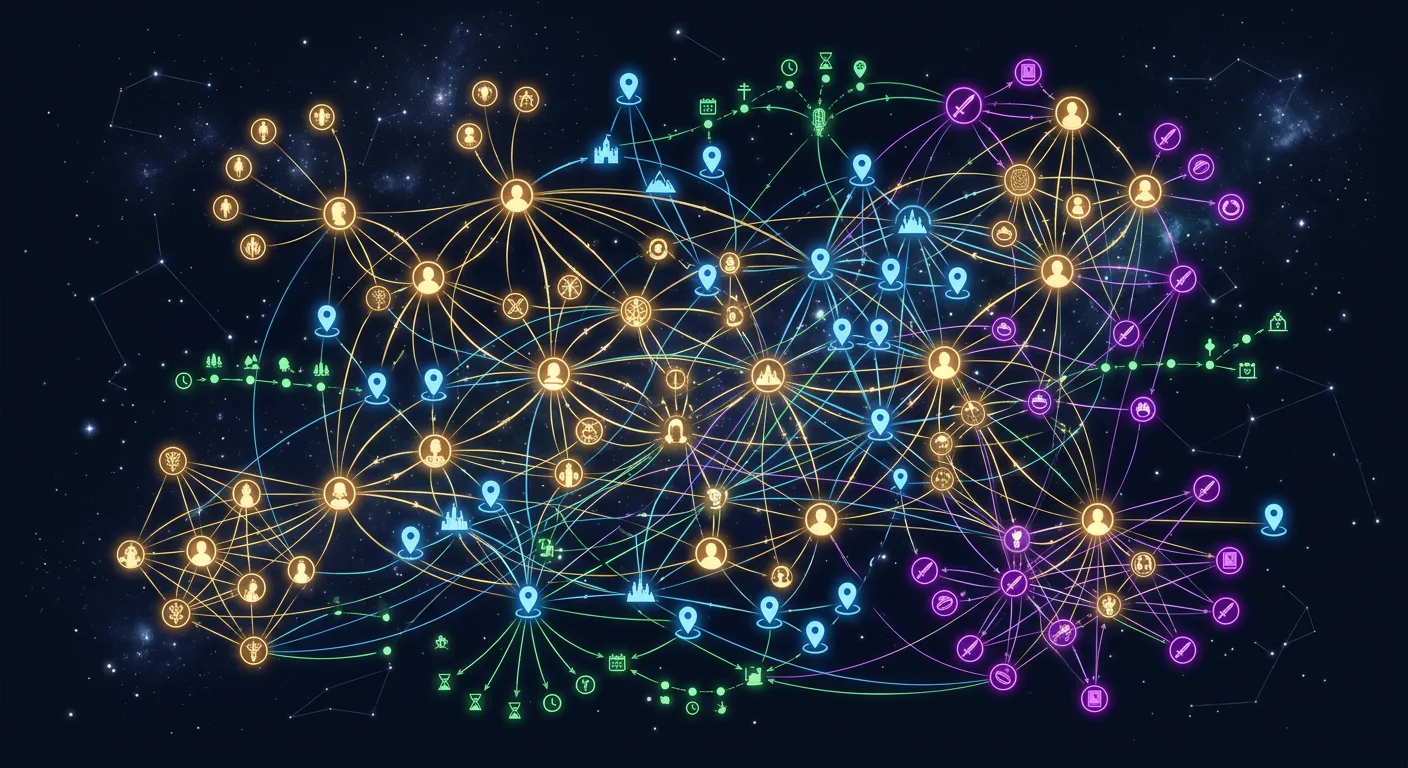
Open the knowledge graph in the editor and you can:
- See the whole book: characters, places, items and events are drawn as one relationship map that you can filter by type and search by node
- Look at one person: open a character to see the people and events connected to them and the chapters they appear in; click a chapter to open the matching text
- Pin cards: pin the cards of a few key characters beside you and write with them for reference
- Add to your story bible: characters or entries mentioned in the graph that don't have a card yet can be added directly as a character, a story bible entry or a suspense thread
When the sample book “The Ledger of Cause and Effect” reached chapter 46, the protagonist's relationship network alone had more than 400 nodes. The more characters you have, the more you need to filter by person and by type.
Smart Search: Ask Directly, Get Sources
If you don't want to hunt through the graph, you can just ask:
- “What is the relationship between the protagonist and his master?”
- “In which chapter did that jade pendant first appear?”
- “Who in volume 2 knows the protagonist's identity?”
Smart search finds answers from this book's knowledge graph; when there are sources, it lists the matching chapters, and one click jumps there so you can check.
How to set it up: finish initialization in RAG settings, and the system reads your written chapters to build the graph; after that it syncs whenever a chapter is saved. For a book with many chapters, the first build takes a while.